Getting Started with AISyllables
This guide will help you get started using AISyllables.
Creating an Account
- Visit AISyllables.com
- Click on the "Sign In" button in the top right corner
- Enter your email.
- Click on Send Magic Email Link.
- Check your email and click on the link.
If you prefer to log in with a username and password, enter a username and a password and select the box "I'm a new user" and then click Sign In.
Navigating the Interface
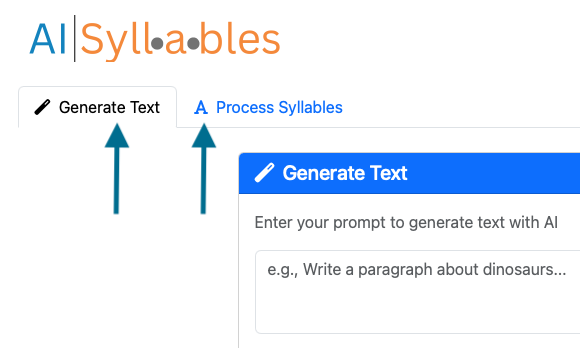
Once logged in, you'll see two main tabs:
- Generate Text: Create content using AI
- Process Syllables: Break text into syllables
Basic Workflow
Processing Syllables
- Click the "Process Syllables" tab
- Enter text in the input field
- Click "Process Syllables" button
Generating Text
- Click the "Generate Text" tab
- Enter a prompt in the input field
- Click "Generate Text" button
Next Steps
- Learn more about Process Syllables
- Explore Generate Text
- Customize Display Settings