Process Syllables
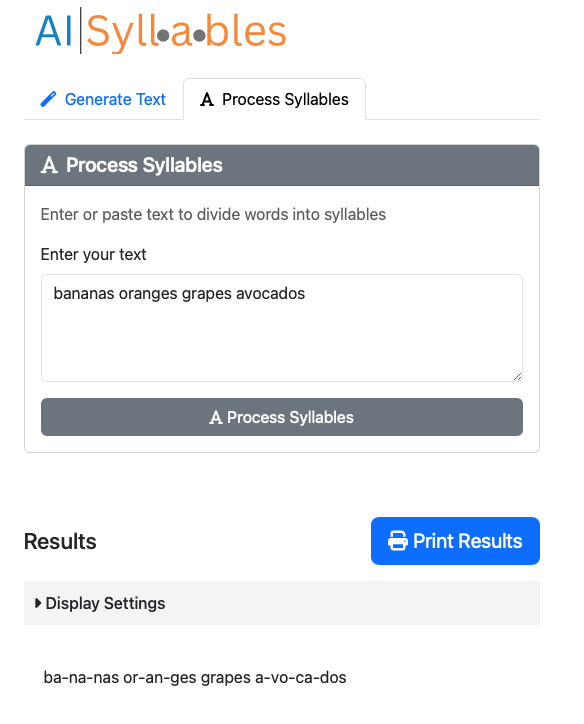
The Process Syllables feature helps break down text into syllables.
How to Use
- Click on the "Process Syllables" tab
- Enter or paste your text in the input field
- Click the "Process Syllables" button
- Wait for processing to complete
Example:
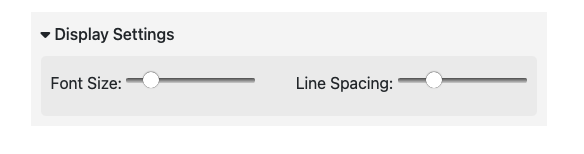
Adjusting Display Settings
After processing, you can change font size using the slider or adjust the line spacing.
Limitations
- Very long texts may take longer to process
- Some specialized technical or foreign words may not be accurately syllabified
- Maximum input size is 100,000 characters